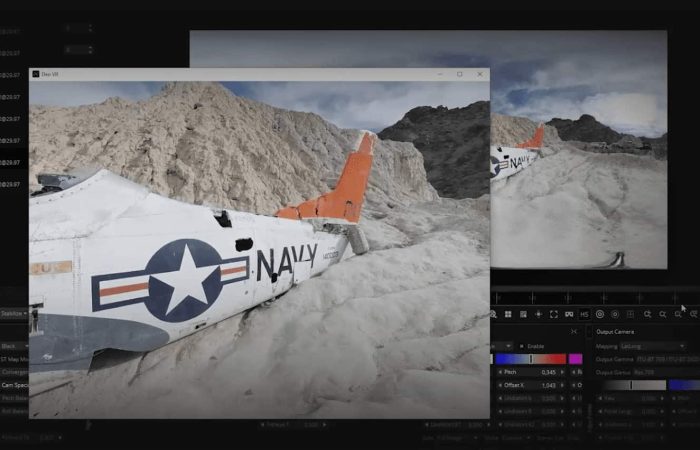
How to create VR-ready experiences with 360° videos? With 360° video stitching software for Macs and PCs
This article was updated for 2025.
What is 360° video stitching software?
360° video stitching software is used to create 360-degree panoramic videos from photos that were captured with multiple cameras or from one camera, but at multiple angles.
How are 360-degree videos used?
360-degree videos are becoming increasingly popular, as they offer a more immersive experience than traditional videos. The most common and popular uses for 360-degree videos typically include virtual reality (VR), education, marketing, and entertainment.
However, there are a variety of other industries that need 360-degree videos in order to enhance their workflows and allow for more efficient look-back opportunities. This includes the telecom and utility industries, which use 360-degree mobile mapping cameras or similar systems to capture data. They can then process this data into stitched, 360-degree videos and revisit neighborhoods, towns, and cities where they are working. Being able to drive a street once and then look back at it whenever necessary, or compare the change in streets and infrastructure, is also vital for real estate companies and insurance agencies.
Many mapping and surveying companies likewise capture data once, stitch it together, and use it over and over again. They can run AI algorithms on the videos to count road signs, detect cracks in the road surfaces, and determine where new stop lights should be added.
How does 360 video stitching software work?
This incredible technology allows the user to input all of the images from the camera(s) and, with a few clicks of the mouse, get a 360 panoramic video. Of course, there is some waiting involved depending on the number of images, the quality/resolution of each image, and the power of the software, as well as the machine doing the processing.
When you stitch a 360-degree video, you’re stitching together videos from multiple cameras with overlapping fields of view. To ensure that there are no blind spots in the final 360-degree video, each of the videos must have overlap. It’s critical to cover all angles to prevent any problems when combining the recordings together.
Each one of these videos is then stitched together to cover a 360-degree by 180-degree field of view. Just think about what it would be like to put together a 3D puzzle. If you don’t have all of the pieces, there will be a visible gap.
What are the top 360° video stitching software?
Some of the top 360 video stitching software includes StereoStitch, Mistika VR, and Mocha VR.
These are the best 360 video stitching software programs, which can be more or less user-friendly and allow you to create great-looking 360° videos with ease.
What Features Should 360 Video Software Have?
There are a few things to consider while choosing the program for your project.
First: Is it compatible with the camera you’re using? Is there a limit to how big or small your videos can be, for example? What about file types and sizes (MPEG-wrapped easy import is always preferable)?
Second: Will you need to purchase or acquire additional add-ons? Are there other features that you should be aware of before purchasing?
Third: Is it difficult for you to utilize and modify the 360 video stitching procedure with their user interface? Is it simple enough that even if you’re a beginner, you can complete your task without getting a degree in order to learn the tools?
Last but not least: how much does it cost? Is it worth paying for features that may be superfluous or entirely unrequired during video stitching?
*A heads up to something we noticed when doing this research: many lists include several FREE or much more user-friendly pricing options for 360 video stitching software. But nearly all of these lead to dead ends or misleading links.
Several other blogs mentioned in particular these two:
- Vahana VR / VideoStitch Studio (which eventually became ORAH in 2017)
- Kolor Autopano by GOPRO
There hasn’t been anything updated in several years about these two. Any links offered were bogus or lead nowhere. So if you’re reading any other lists of ‘best 360 video stitching software’ don’t be led astray!
The only FREE stitching software we could find is:
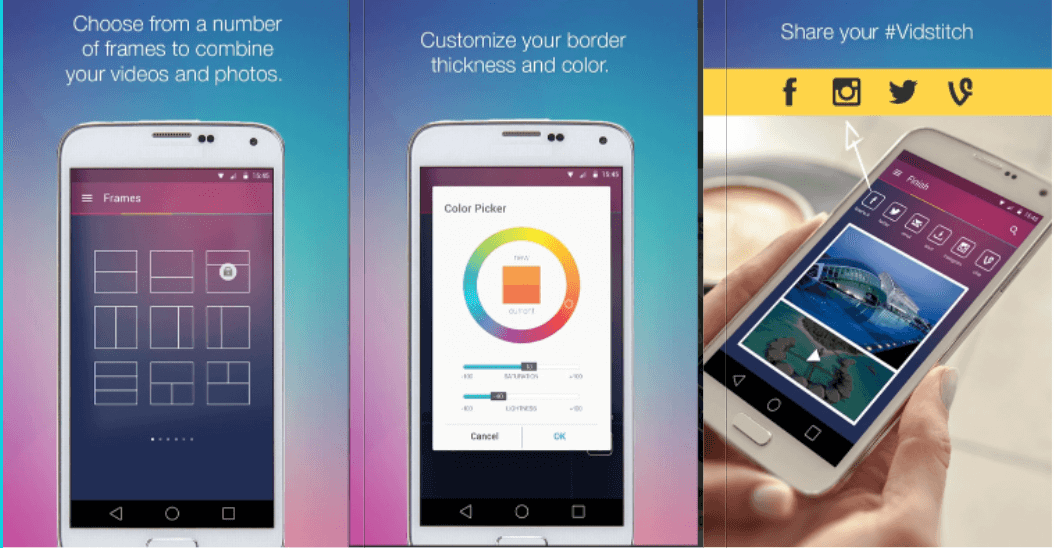
Vidstitch – a video stitching app
Vidstitch is a video stitching app, the only mobile app to make the list. Due to its nature, it is much less powerful and contains many fewer features than the others that are coming in this list. But it has its advantages.
Top features
- Works on your phone (Android and iOS)
- Great for on the go
- Great for in the field
- Customize border thickness and color
Compatibility
- Android and iOS
Pricing
- FREE (but of course, there is a caveat) for more advanced features, you would need to upgrade to Vidstitch Pro for $2.99. So still not a bad deal.
Mosaic Processor
Our in-house software, Mosaic Processor, allows you to seamlessly transform your source footage into geo-referenced 360° panoramic images. With advanced calibration of camera intrinsics and extrinsics, you can guarantee professional-grade results and smooth integration into your projects (wherever you send them next – even with our own processor, your data is not vendor-locked!).
In addition, if you are working with the Mosaic Xplor 360 backpack camera or other devices with LiDAR, you can enjoy trajectory parsing (panoramic poses from LiDAR) and automatic batch processing. Bonus add-ons include an anonymizer to blur faces and license plates in compliance with a lot countries’ privacy laws.
Top Features
- Build specifically for your Mosaic camera system
- Fast stitching backend, efficiently utilizing GPU
- Installed locally, processed locally
- Lidar processing tools integrated
- Integrated point cloud viewer
- Optional integrated panorama anonymization
Compatibility
- Windows and Linux
Pricing
- Reach out today for the latest pricing. The Mosaic Processor is available in both an annual and perpetual license depending on your needs.
StereoStitch
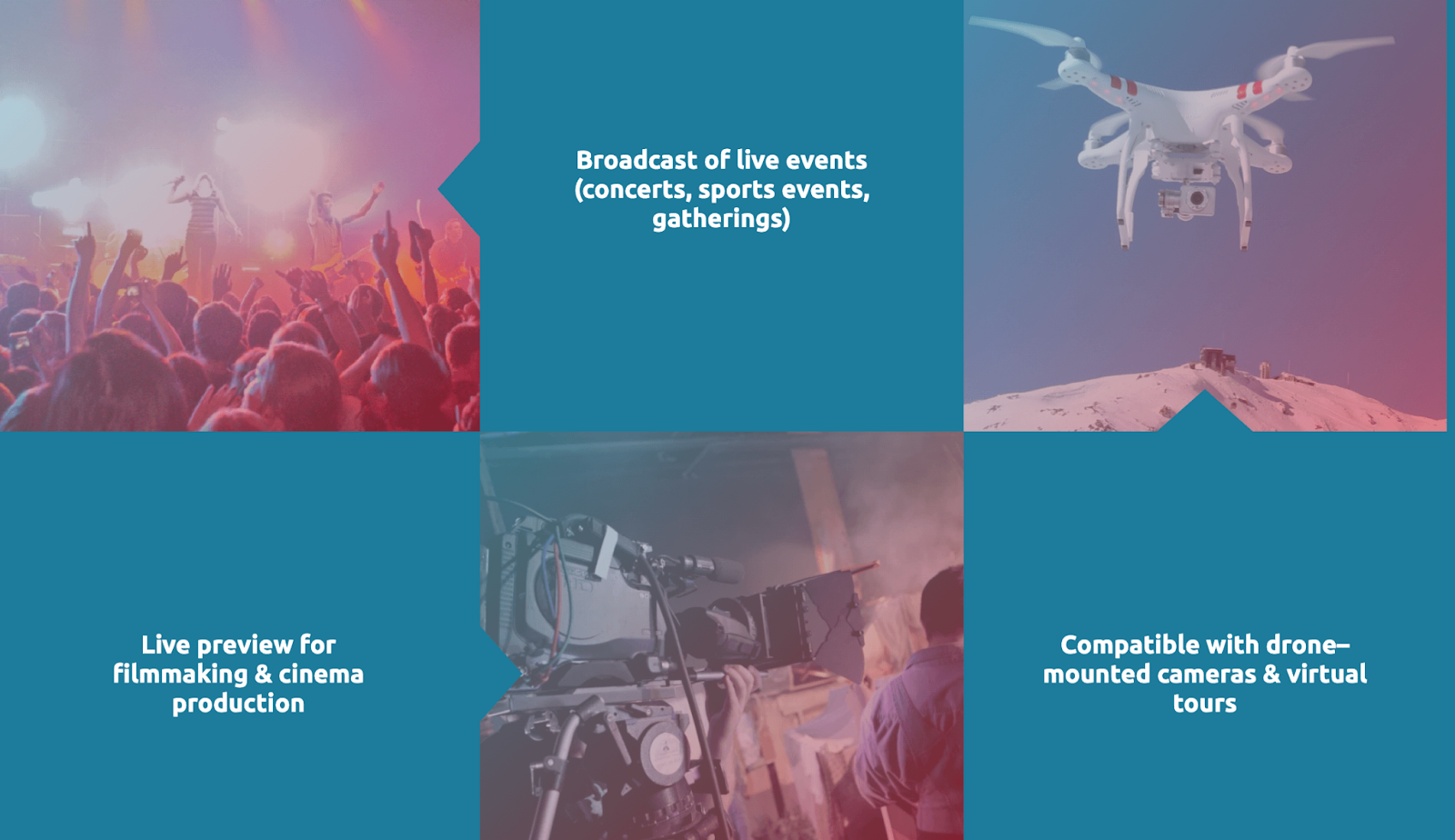
StereoStitch is a real-time 3D / 360 video stitching software for all post-processing, such as stitching, color correction, stereo, or 3D generation, which are completed in a single super-fast process.
Top features
- No hardware needed
- real-time content creation up to 60 FPS throughput
- works with 3D and stereoscopic formats
- offers varied layouts, lenses, and cameras for increased flexibility
- can stitch videos live or in real-time
- mobile GPU compatible
- stereoscopic generation
- real–time, live broadcast
- Subscribers are the first to receive updates and releases
Compatibility
- macOS, Windows
Pricing
- FREE trials for Mac or PC and tutorials for mono and stereo
- Real-Time Stitcher back-to-back: $300
- Real-Time Stitcher mono: $450
- Real-Time Stitcher stereo: $600
- Live Stitcher back-to-back: $700
- Live Stitcher mono: $1500
- Live Stitcher stereo: $3000
- OZO Stitcher videos: $2000
Adobe Premiere Pro
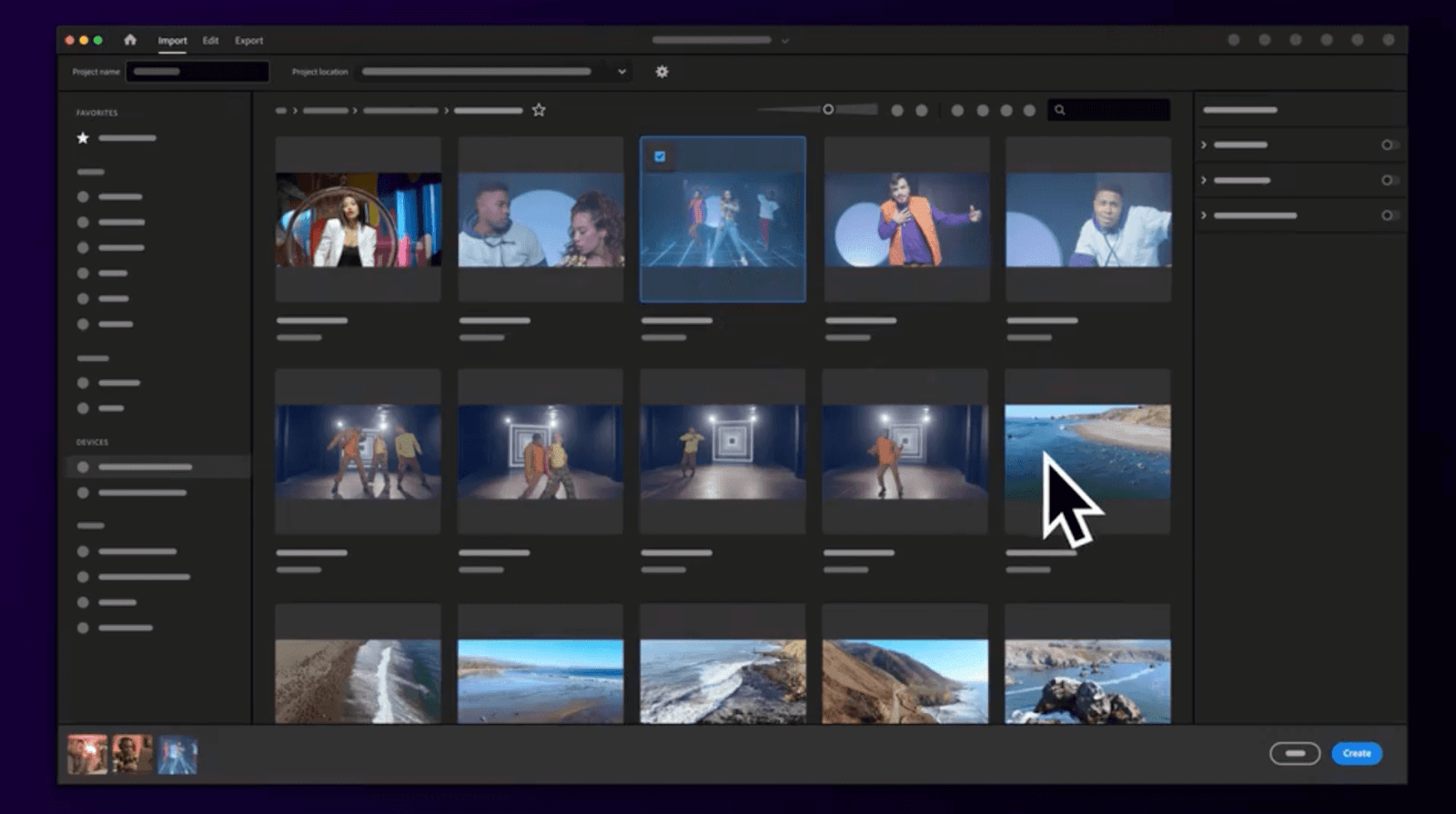
Adobe Premiere Pro allows you to add some cool features to your videos for additional customization. There are professional templates, or you can customize your own animated graphics and title, shift colors to suit your mood, work with audio tools and music tracks.
Top features
- includes lots of (YouTube) tutorials with step-by-step help
- 100GB of cloud storage
- includes Adobe Portfolio, Adobe Fonts, and Adobe Spark
- edit within the timeline with integrated workflow
- edit footage in any format
- Videos can be reformatted automatically for compatibility with any social media network
- comes with Adobe Stock audio music available to use in your video
Compatibility
- macOS, Windows
Pricing
- Premier Pro: FREE 7-day free trial
- Premier Pro Single App (single user): $20.99 / month
- Premiere Pro Single App business (up to 10 users): $33.99 / month
- Creative Cloud All Apps (single user): $52.99 / month (includes over 20 Adobe apps)
- Creative Cloud All Apps business (up to 10 users): $79.99 / month
Mocha VR
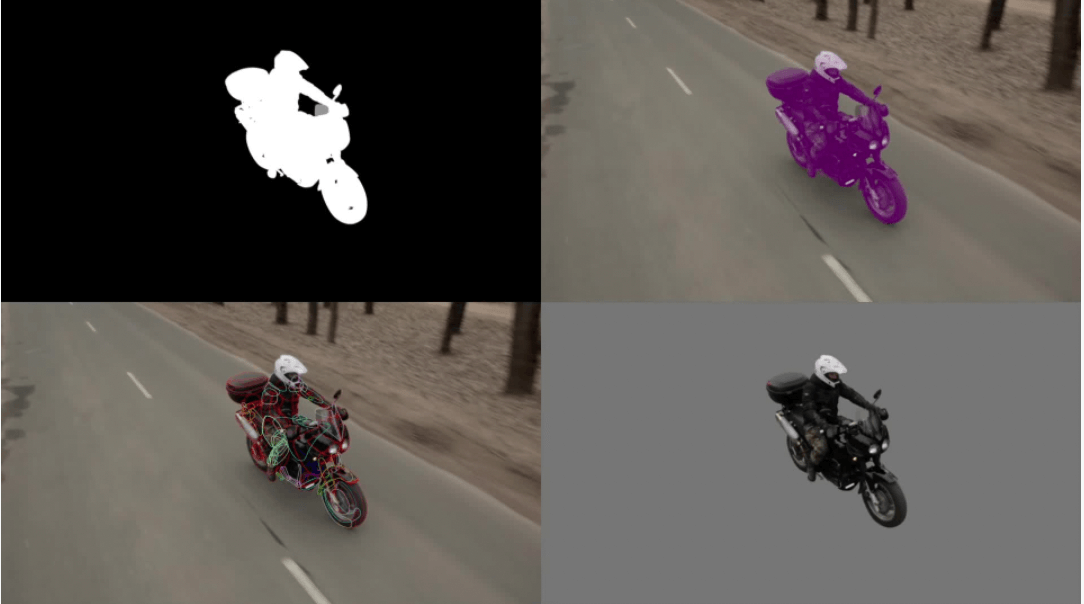
Mocha Pro is a leading software for planar tracking, rotoscoping, object removal, stabilization, and mesh tracking. It has received numerous prestigious Academy and Emmy Awards for its impact on the film and television industry, owing to its importance in VFX and post-production.
Top features
- performs the following: planar tracking, rotoscoping, stabilization, and mesh tracking
- removes unwanted elements (e.g., wires, rigs, and tracking marks)
- can export tracking, roto shapes, lens calibration, and 3D data in a wide variety of formats, or render to file or back to your host.
- can track warped surfaces and organic objects
- stabilizes shaky video footage
- calibrate the distortion from camera lenses in a simple, intuitive interface
- saves time by generating clean plates
- AdjustTrack 2.0 simplifies tracking correction
- video tools for tracking and masking, horizon stabilization, Nadir Patching, and spherical video post
Compatibility
- macOS, Windows
Pricing
- FREE Trial offer
- Standalone and MultiHost Plugins: $495.00 / year
Mistika VR
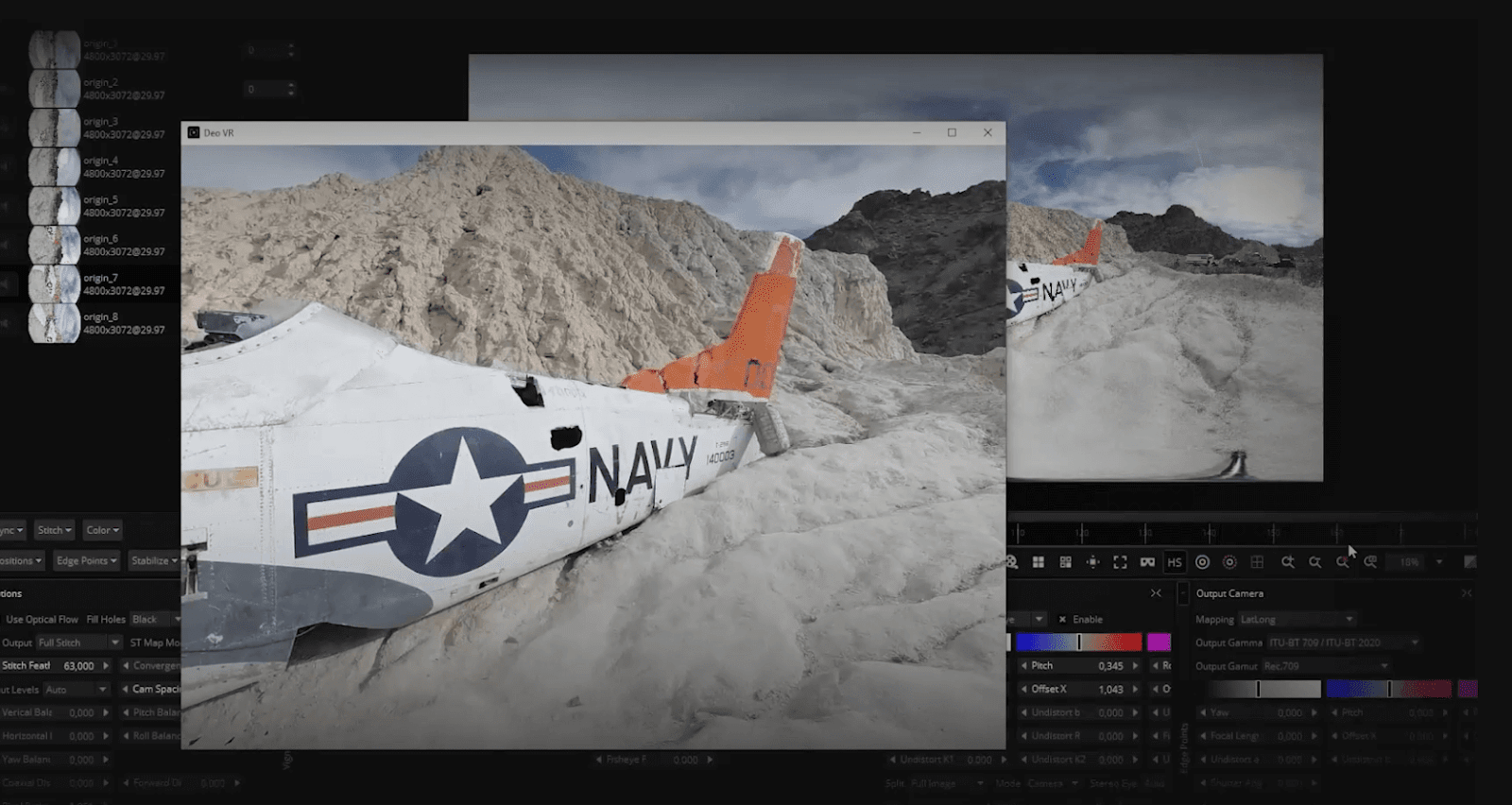
Adopted by the global VR community, Mistika VR allows you to create truly immersive content and obtain exceptional results in just a few simple clicks. Its award-winning Optical Flow Technology allows you to quickly stitch 360º/180º media and manipulate every aspect of the stitch to deliver high-quality results, no matter the difficulty of the project.
Top features
- One-click stabilization quickly and easily smooths out shaky footage
- complete Stereo 3D toolset
- Keyframe animation for enhanced stitching flexibility and greater control
- VR Headset Preview
- gyroscope metadata to import the camera’s motion sensor metadata
- accelerated encoding for higher speeds
Compatibility
- macOS, Windows
Pricing
- FREE: 3-month trial for new Mosaic customers
- Personal Edition: € 499 / year
- Professional Edition: € 699 / year
Conclusion – best 360 video stitching software
As seen above, there are several options for feature-rich 360 video stitching software. Here at Mosaic, we’re partial to our own Mosaic Processor, of course. After years of using other 360 video stitching software programs, we have found the features we like best and the UX that works for us.
Check out our full offering of post-processing tools with annual and perpetual licenses and find the one that works best for you.